Java Operators Explained: All Types with Examples
Java Operators
In Java, operators are symbols that perform operations on variables and values. Without operators, a Java program cannot perform calculations, comparisons, decisions, or logic. Operators are the working tools of a program — they tell Java what action to perform on data.
Understanding Java operators deeply is critical because:
- Every condition uses operators
- Every calculation depends on operators
- Every decision-making logic relies on operators
- Almost every real-world Java program is operator-heavy
Java provides multiple types of operators, each designed for a specific purpose. This post explains all Java operators in detail, with clear explanations, code examples, and real-life analogies, so nothing feels abstract or confusing.
What Is an Operator in Java
An operator is a special symbol that performs an operation on one or more operands.
Example:
int sum = 10 + 5;
+→ operator10and5→ operandssum→ result stored after operation
Why Operators Are Important
Operators allow Java programs to:
- Perform mathematical calculations
- Compare values
- Make decisions
- Control program flow
- Work with bits and memory
- Assign and modify values
Without operators, variables would be useless containers.
Classification of Java Operators
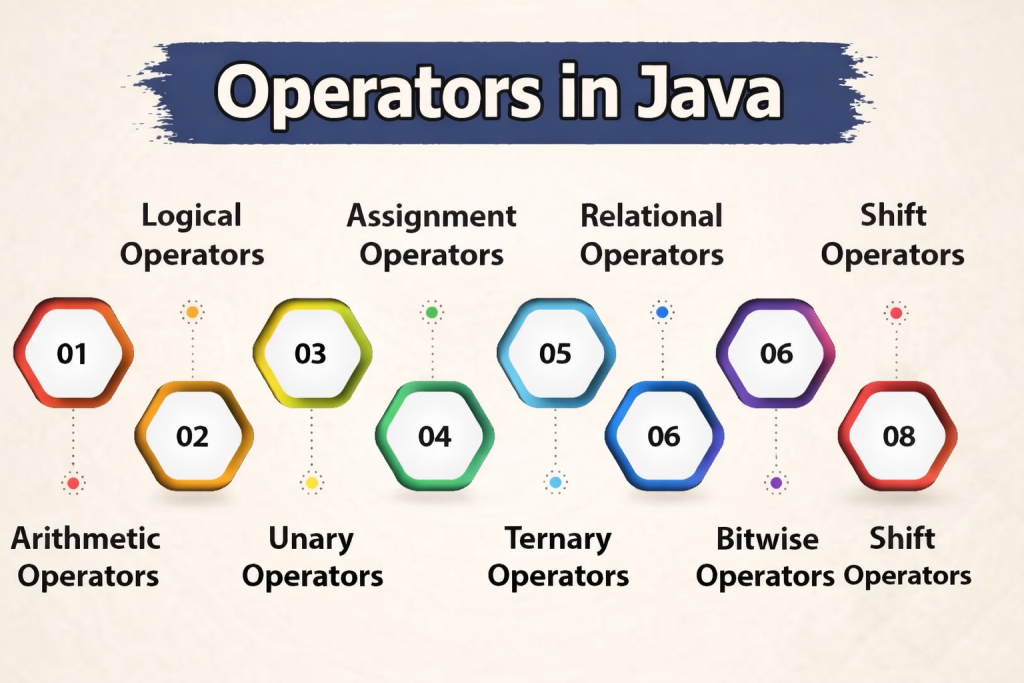
Java operators are classified into the following major categories:
- Arithmetic Operators
- Relational (Comparison) Operators
- Logical Operators
- Assignment Operators
- Unary Operators
- Bitwise Operators
- Shift Operators
- Ternary Operator
1️⃣ Arithmetic Operators
Arithmetic operators are used to perform basic mathematical operations.
| Operator | Meaning |
|---|---|
+ | Addition |
- | Subtraction |
* | Multiplication |
/ | Division |
% | Modulus (remainder) |
Example
int a = 10;
int b = 3;

System.out.println(a + b); // 13
System.out.println(a - b); // 7
System.out.println(a * b); // 30
System.out.println(a / b); // 3
System.out.println(a % b); // 1
Real-Life Example
👉 Money calculation
- Addition → total bill
- Subtraction → remaining balance
- Division → splitting bill
- Modulus → remaining amount after distribution
2️⃣ Relational (Comparison) Operators
Relational operators compare two values and return a boolean result (true or false).
| Operator | Meaning |
|---|---|
== | Equal to |
!= | Not equal to |
> | Greater than |
< | Less than |
>= | Greater than or equal |
<= | Less than or equal |
Example
int x = 10;
int y = 20;

System.out.println(x > y);   // false
System.out.println(x < y);   // true
System.out.println(x == y);  // false
Real-Life Example
👉 Age verification
age >= 18→ eligible to votemarks < 35→ fail
3️⃣ Logical Operators
Logical operators combine multiple conditions and return a boolean result.
| Operator | Meaning |
|---|---|
&& | Logical AND |
| ` | |
! | Logical NOT |
Example
int age = 20;
boolean hasId = true;

if (age >= 18 && hasId) {
    System.out.println("Entry allowed");
}
Real-Life Example
👉 Office entry rule
- Age ≥ 18 AND ID card present → entry allowed
- Password correct OR OTP verified → login success
4️⃣ Assignment Operators
Assignment operators assign values to variables.
| Operator | Example | Meaning |
|---|---|---|
= | a = 10 | Assign |
+= | a += 5 | a = a + 5 |
-= | a -= 3 | a = a - 3 |
*= | a *= 2 | a = a * 2 |
/= | a /= 2 | a = a / 2 |
Example
int a = 10;
a += 5;  // 15
a *= 2;  // 30
Real-Life Example
👉 Wallet balance update
- Add salary →
+= - Deduct expenses →
-=
5️⃣ Unary Operators
Unary operators work with only one operand.
| Operator | Meaning |
|---|---|
+ | Unary plus |
- | Unary minus |
++ | Increment |
-- | Decrement |
! | Logical NOT |
Example
int x = 5;
x++;  // 6
--x;  // 5
Pre vs Post Increment
int a = 5;
System.out.println(++a); // 6
System.out.println(a++); // 6 (a becomes 7 after)
Real-Life Example
👉 Visitor counter
- Entry → increment
- Exit → decrement
6️⃣ Bitwise Operators
Bitwise operators work on binary (bit-level) values.
| Operator | Meaning |
|---|---|
& | Bitwise AND |
| ` | ` |
^ | Bitwise XOR |
~ | Bitwise Complement |
Example
int a = 5;   // 0101
int b = 3;   // 0011

System.out.println(a & b); // 1
System.out.println(a | b); // 7
Real-Life Example
👉 Permission flags
- Read, write, execute permissions stored as bits
7️⃣ Shift Operators
Shift operators move bits left or right.
| Operator | Meaning |
|---|---|
<< | Left shift |
>> | Right shift |
>>> | Unsigned right shift |
Example
int x = 8;   // 1000
System.out.println(x << 1); // 16
System.out.println(x >> 1); // 4
Real-Life Example
👉 Multiplying/dividing by 2 efficiently
8️⃣ Ternary Operator
The ternary operator is a short form of if-else.
Syntax
condition ? value1 : value2;
Example
int age = 17;
String result = (age >= 18) ? "Adult" : "Minor";
Real-Life Example
👉 Pass/Fail result
- Condition → marks ≥ 35
- Output → Pass or Fail
Operator Precedence (Execution Order)
Java follows a fixed precedence order:
- Unary
- Arithmetic
- Relational
- Logical
- Assignment
Parentheses () can be used to control execution order.
int result = (10 + 5) * 2;
Common Beginner Mistakes
- Using
==instead of.equals()for strings - Confusing
&&and& - Forgetting integer division behavior
- Misusing pre and post increment
- Ignoring operator precedence
Why Operators Matter in Real Applications
In real-world Java applications:
- Business logic depends on operators
- Conditions decide workflows
- Calculations drive financial systems
- Operators impact performance and correctness
Wrong operator usage can break entire systems.
Conclusion
Java operators are the core tools that allow programs to perform calculations, comparisons, decisions, and logic. Java provides a rich set of operators, each designed for a specific purpose. Understanding all operator types—along with real-life examples—helps developers write clear, correct, and efficient Java programs. Mastery of operators is essential for building reliable and professional Java applications.